.avif)
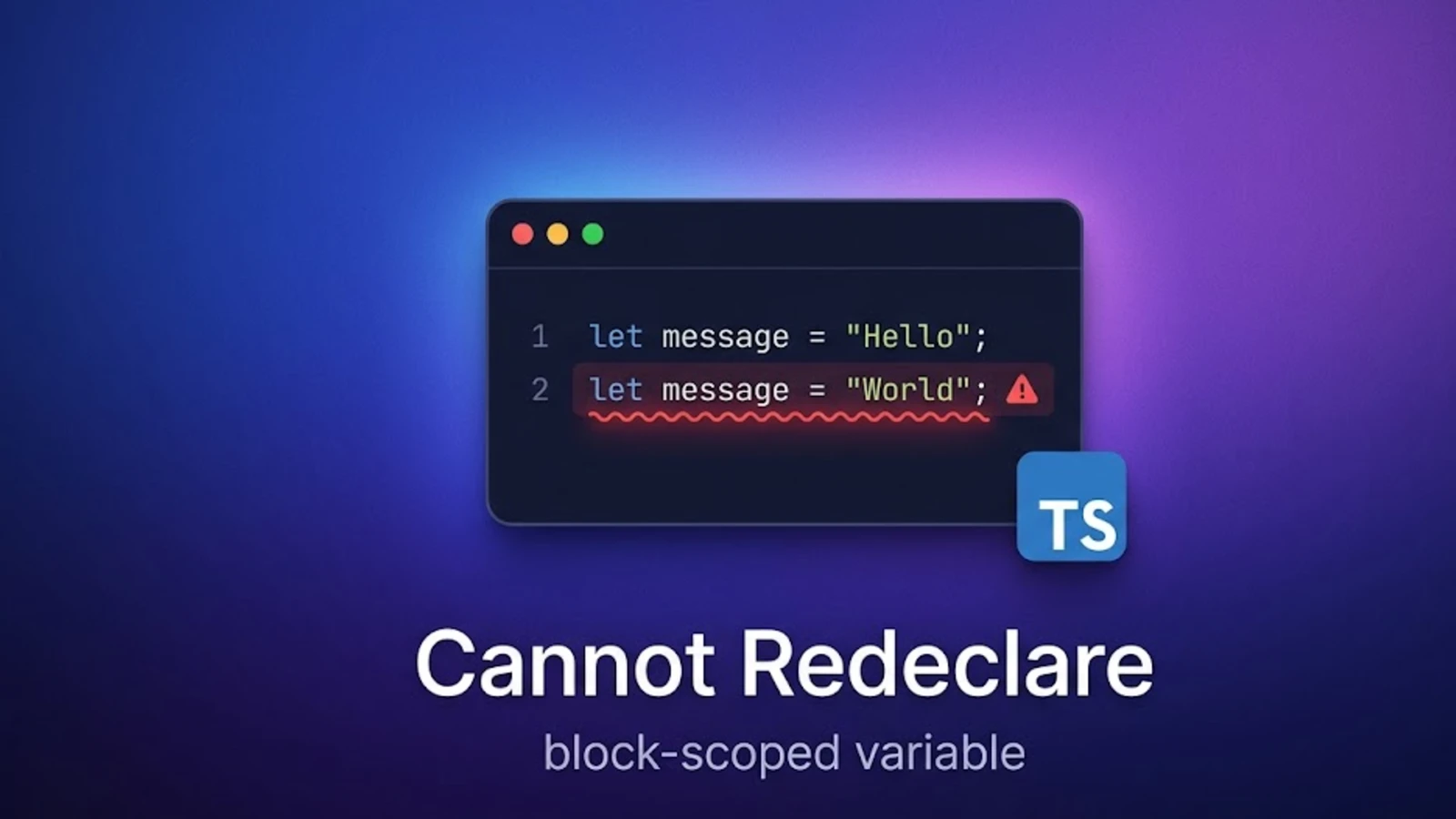

Cannot redeclare block-scoped variable. The Reason behind the error and the way to resolve it.
Why the Cannot redeclare block-scoped variable error shows up in JavaScript and TypeScript, and the cleanest way to resolve it.
Few days back I was trying to write a script in my Visual Studio Code IDE, where I was trying to declare and initialize a variable with the keyword let.
But, I was faced with an error. Part of the error message was, Cannot redeclare block-scoped variable.
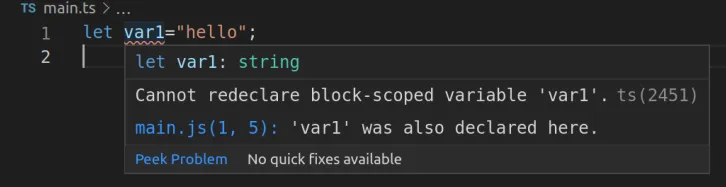
So, I dug a bit into it to find out the reason behind the error. What I found was:
- Because, the let keyword is block scoped and unlike var, it can not be re-declared or reassigned within the same block.
- After Transpiling, the var1 variable of my main.ts file is also now available on the Transpiled main.js file as "var var1".
- Right now after the Transpilation there are essentially two variables with the same name var1; one of which is in the main.ts which is declared as let (remember let is not redeclared or reassigned) and another one is in main.js
- So naturally visual studio code displays the error on main.ts file because the variable in there, is declared with the let keyword.
- As a result it won't allow to Transpile the file and displays Cannot redeclare block-scoped variable "variable name".
How to resolve?
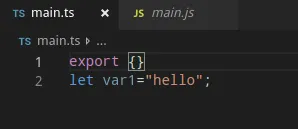
Typescript is moduler and each module has it's own block. So, basically if you could somehow enclose the variable which is declared as let within it's own module, the error will be resolved because now your let variable is in it's separate block.
To achieve this, simply type export on the top of your script or additionally you can type export {}. Now you will see that the error is resolved.
Hope this article helps you finding out and resolving the issue. Thanks a bunch! for reading out.
Need this inside a real product? ARITS does web app and platform engineering.